6 September 2026 · 5 min read
NFC Business Cards vs Paper Business Cards
Compare NFC and paper business cards on cost, convenience, reliability and the way people actually exchange details.
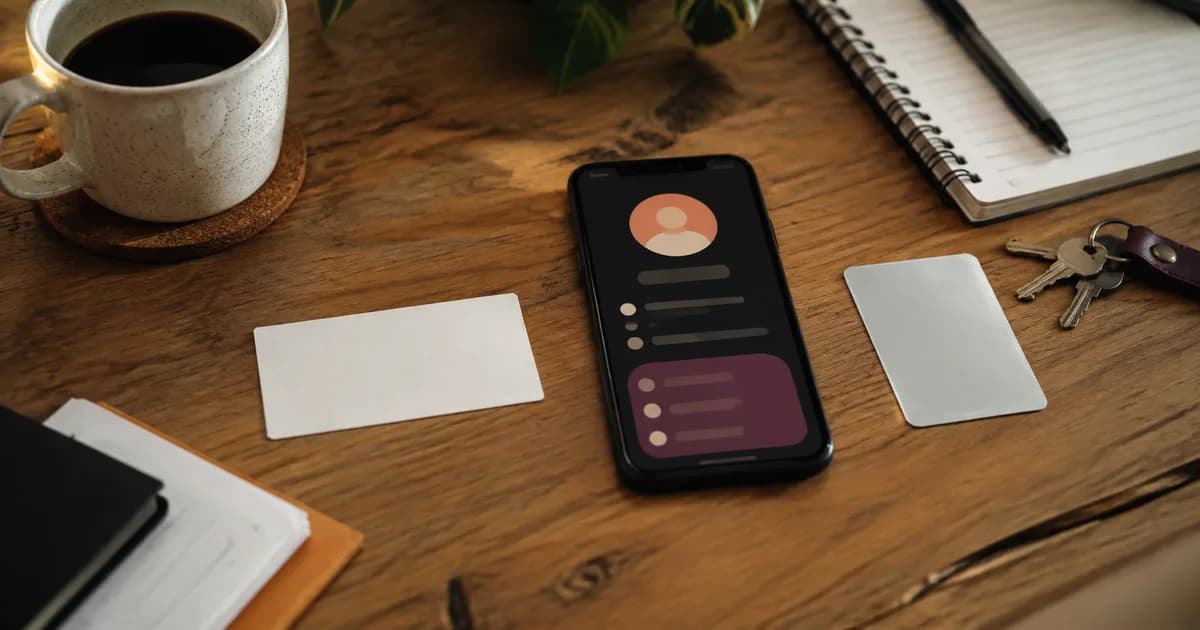
Paper business cards are familiar, cheap to hand out and easy to understand.
NFC business cards are reusable, editable and can lead straight to an action on someone's phone.
Neither format wins every situation. The better choice depends on how you meet people, what you need them to do next and whether you will remember to carry the thing.
The main difference
A paper card gives someone printed information.
An NFC business card gives their phone a link. That link opens a digital page containing contact details, buttons and other current business information.
With paper, the recipient has to type your number, visit the printed website or keep the card until later. With NFC, they can save your contact, send an enquiry or book while you are still talking.
That immediate action is the biggest practical difference.
Paper cards are easy to hand out in volume
If you are putting something into hundreds of event bags, paper makes sense.
It is inexpensive per card, does not depend on a phone and lets someone take a copy without stopping. A well-designed printed card can also feel personal and tactile.
The weakness appears after the handover. Many cards end up in a pocket, car console or desk drawer. Even when the recipient keeps it, the details can become outdated.
Paper works best when broad distribution matters more than immediate interaction.
NFC cards are better for active conversations
An NFC card suits the moment when two people are already speaking and want to stay connected.
You can ask the person to tap, let the page open and show them the useful button. There is less chance of your details becoming another job for later.
This is particularly useful for networking, quoting, mobile service work and customer handovers.
The person with the NFC card only needs one reusable item. They do not run out halfway through an event.
What happens when details change?
A changed phone number, job title or website can make a box of printed cards obsolete.
You can keep using them and explain the correction, add a sticker or order a new batch. None feels especially polished.
An editable digital page lets you change the information behind the NFC link. The physical card or tag keeps pointing to the same address.
Check this before buying. Some NFC products write a final destination directly to the chip, while others use a managed link that can be changed later.
Reliability is not one-sided
Paper never needs NFC settings, battery power or mobile data to show a phone number.
It can still be lost, damaged or left at home. Tiny type is difficult to read, and a long printed web address is annoying to enter.
NFC is quick on a compatible phone, but the reader position varies. The user may have NFC turned off or use a device without the feature.
That is why a good digital product also has a QR code and a short printed link. If the tap does not work, the recipient still has two ordinary ways to reach the page.
An NFC business card that includes QR backup is much more useful than an NFC-only card.
Compare the ongoing cost
Paper usually has a low starting cost but needs another print run when you run out or change details.
NFC usually costs more upfront because you are buying a reusable physical product and, sometimes, the software behind it.
Look past the headline price. Ask whether the digital page, editing, analytics or useful buttons require a monthly plan.
A subscription may be reasonable when the service provides features your business uses. It is poor value when you only wanted a reliable way to share contact details.
Linkz uses a once-off model. The current twin pack includes two physical NFC and QR tags, the editable page and usage statistics without a monthly fee.
Which one makes a better impression?
This depends more on the interaction than the material.
A beautiful paper card handed over with a useful conversation can leave a strong impression. An expensive NFC card pushed at someone without explanation can feel awkward.
NFC creates a small moment of interest because the person's phone responds. That can help them remember the conversation, but only if the page that opens is clear and current.
Do not overload the page with animations, long biographies and every social network. Help the person take the next step they already discussed with you.
Privacy and tracking
A paper card provides no indication that someone used it.
A digital page can show aggregate activity such as page opens or button taps. That can help a business understand whether people use the contact button, website or review link.
It should not be presented as a way to identify everyone who tapped. Normal privacy rules and respectful data collection still apply.
If analytics matter to you, read the provider's privacy information and check what is collected.
The hybrid option is often sensible
You do not have to choose one format for every situation.
Keep paper cards for trade shows, referral packs and places where people take information without a conversation. Use NFC for meetings, networking and customer handovers where acting now is useful.
You can also print a QR code on the paper card. That gives the recipient a quick digital route while keeping the familiar physical format.
Choose based on the next action
Use paper when you need inexpensive copies that anyone can take.
Use NFC when you regularly share details face to face and want the other person to call, save, book, review or enquire immediately.
Whichever format you choose, keep the message simple. Your name, what you do and one obvious next step will beat a crowded card every time.